
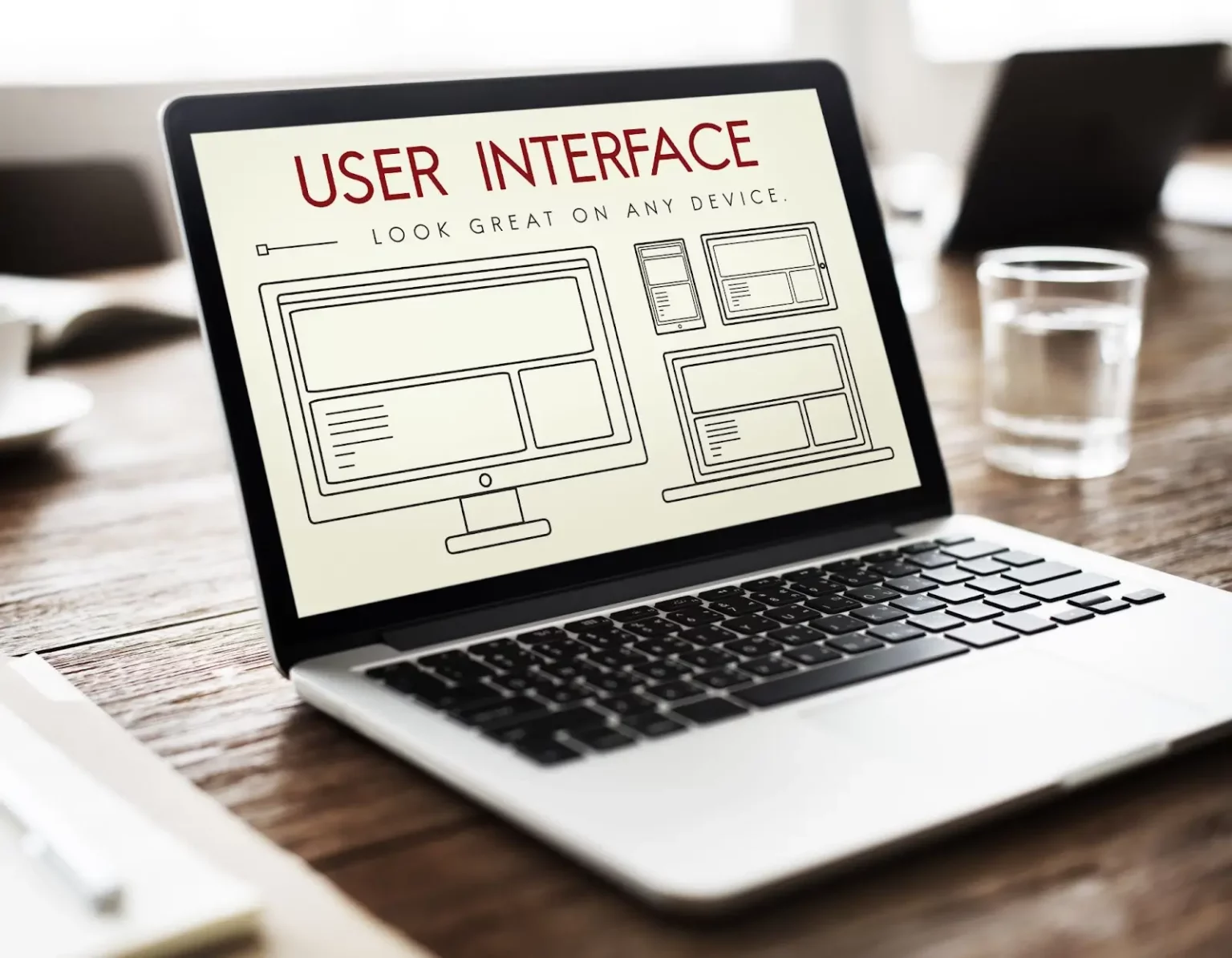
Have you ever visited a website and immediately felt at ease, finding everything you needed with intuitive ease? That’s the magic of effective User Interface (UI) Design at work. This article explores the critical role UI Design plays in crafting engaging digital experiences, offering insights into its principles, processes, and tools, and showcasing how LeadOrigin leads the way in innovative web design solutions.
What is User Interface (UI) Design?
User Interface (UI) Design refers to the process of creating the look and feel of a product’s interface with the goal of making user interactions as simple and efficient as possible. This involves designing each screen or page with which a user interacts on devices such as smartphones, computers, and tablets, ensuring that the interface visually communicates the path that a user might take.
UI Design encompasses the choice of colors, button shapes, the layout of the interface, and other visual elements that contribute to the overall user experience (UX). It’s a crucial aspect of product development because it directly affects the usability and user experience, aiming to guide users smoothly from one step to another with intuitive design elements.
Effective UI Design not only makes an application or website aesthetically pleasing but also enhances its functionality by making it easier for users to navigate and complete their desired actions.
User Interface (UI) Design Principles
Good UI Design follows a set of principles that focus on improving the usability and experience of digital products, making them accessible and enjoyable to use. These principles serve as the foundation for creating intuitive and efficient interfaces that meet the users’ needs. Here’s a closer look at some key UI Design principles:
Be Consistent
Consistency in UI Design ensures that users don’t get confused by differing styles or navigation methods across the platform. By using consistent elements, such as button styles, font choices, and layout patterns, users can quickly learn how to use your application or website, making the overall experience smoother and more intuitive.
Make Users Feel in Control
Users should always feel in control of their interactions with technology. This means providing clear exit points, undo options, and the ability to make changes easily. When users feel in control, they are more likely to explore and use your product to its fullest potential.
Provide Feedback
Immediate feedback on user actions is crucial in UI Design. Whether it’s a confirmation message after a form submission, a progress indicator for a loading page, or visual cues when interacting with buttons, feedback helps users understand that their actions have been recognized and are being processed.
Enable Users to Resolve Errors
When errors occur, your UI should help users understand what went wrong and how to fix it. Clear, concise error messages that suggest solutions can significantly enhance user satisfaction by empowering users to resolve issues without frustration.
Prevent Errors
Beyond enabling users to correct errors, a well-designed UI aims to prevent mistakes before they happen. This can be achieved through thoughtful design decisions like disabling irrelevant options, using form validations to catch input errors, and providing helpful hints or guidelines.
Don’t Rely On Users to Remember Information
A user-friendly interface minimizes the user’s memory load. Instead of expecting users to remember information from one part of the application to another, design your UI to make necessary information visible or easily retrievable when needed.
Keep it Simple
Simplicity is key in UI Design. A clutter-free interface with a clear hierarchy makes it easier for users to find what they need without feeling overwhelmed. This doesn’t mean your design should be bare, but rather focused on essential elements, prioritizing content and functionality.
Design for Different Types of Users
Your audience will likely consist of users with varying levels of tech-savviness, preferences, and physical abilities. Designing with diversity in mind — including accessibility features for users with disabilities — ensures that your product is usable and welcoming to everyone.
How To Design User Interface (UI) for a Website
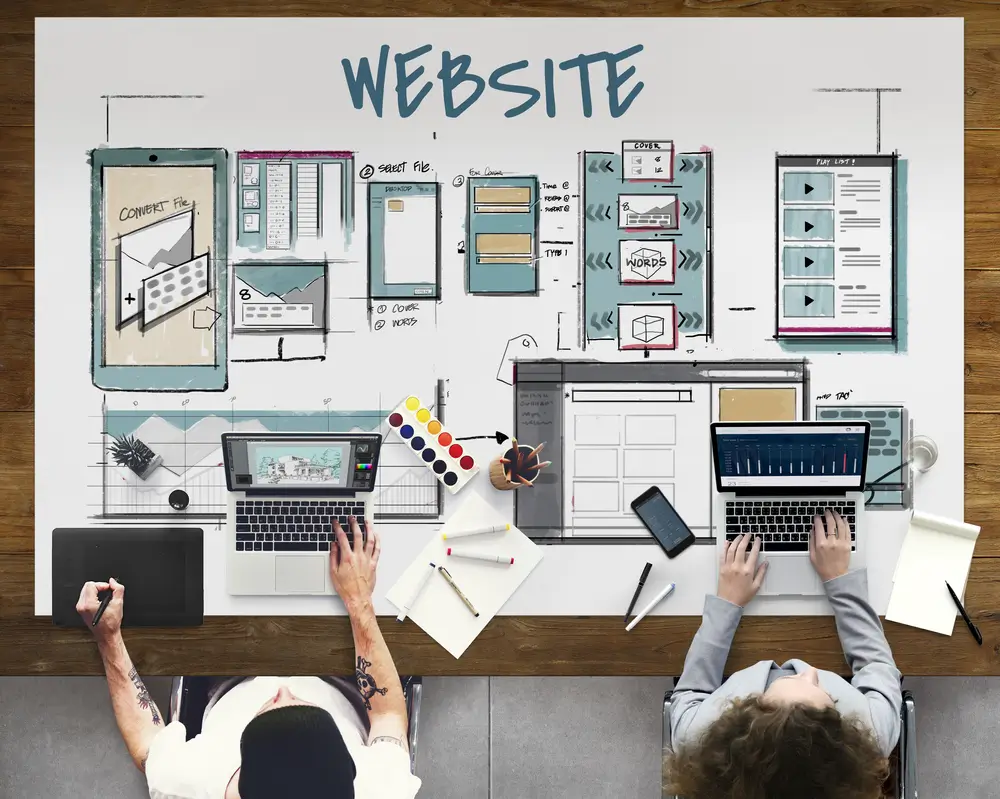
The goal of User Interface (UI) is to create a site that not only looks great but also feels natural to use, encouraging users to stay longer and explore more. Here’s a step-by-step guide to crafting an effective UI for a website:
1. Understand User’s Pain Points
Start by researching and identifying the challenges and needs of your target audience. This involves gathering data through user interviews, surveys, and analytics to pinpoint the specific issues users face when navigating similar websites. Understanding these pain points ensures that your UI design addresses real problems, enhancing user satisfaction.
2. Write User Stories
User stories are brief descriptions of how users will interact with your website, highlighting their goals and expectations. Writing user stories helps in prioritizing features and functionality from the user’s perspective, ensuring that the final design is focused on fulfilling user needs and providing a positive experience.
3. Make an Interface Inventory
An interface inventory is a comprehensive collection of all the elements that make up your website, including buttons, forms, typography, colors, and more. Creating an inventory helps maintain consistency throughout the design, ensuring that all elements align with the overall aesthetic and usability goals of the site.
4. Identify Design Patterns
Design patterns are proven solutions to common usability problems. By identifying and implementing these patterns, you can create a more intuitive and user-friendly interface. This could include navigation structures, layout conventions, or interaction models that users find familiar, reducing the learning curve and enhancing usability.
5. Create a Prototype
Once you have a clear understanding of your users’ needs and the design elements you’ll be using, it’s time to create a prototype of your website. Prototyping allows you to explore different design approaches and test the functionality of your UI before the final development begins. This stage is crucial for gathering feedback and making necessary adjustments to ensure the best possible user experience.

User Interface (UI) Design Tools
Having the right tools is essential for bringing creative ideas to life and ensuring that digital products offer an exceptional user experience. Here’s a rundown of some of the top UI Design tools widely used in the industry today:
Adobe XD
Adobe XD is a powerful vector-based tool designed for UI and user experience (UX) design, offering a wide range of features for creating interactive prototypes. It integrates seamlessly with other Adobe Creative Cloud apps, making it a favorite among designers who already work within the Adobe ecosystem.
Figma
Figma stands out for its cloud-based design and prototyping tool that supports real-time collaboration. Its user-friendly interface allows teams to design, prototype, and gather feedback all in one place. Figma’s vector-based approach enables designers to work on all types of projects, from websites to apps, and its extensive plugin ecosystem allows for an even broader range of functionality.
Invision Studio
Invision Studio offers a comprehensive suite of design tools that cater to every aspect of the UI design process, from initial ideation to prototyping. It supports interactive animations and collaborative feedback, making it easier for teams to refine designs. Invision integrates with the broader Invision ecosystem, including DSM (Design System Manager) for maintaining design consistency across projects.
Marvel
Marvel is a user-friendly design platform that simplifies the process of creating prototypes, testing user interfaces, and collaborating on designs. It requires no coding knowledge, making it accessible for designers of all skill levels. Marvel also offers user testing and design handoff capabilities, streamlining the workflow from design to development.
Sketch
Sketch is a vector-based design tool exclusively available for Mac, highly regarded for its simplicity and focus on UI design. It offers a wide array of plugins and integrations, making it highly customizable to suit any design workflow. Sketch’s features include vector editing, pixel-perfect precision, and a comprehensive set of prototyping and collaboration features.
Professional Tips for Successful User Interface (UI) Design
Creating a successful User Interface (UI) Design isn’t just about making things look pretty—it’s about crafting an experience that feels intuitive and seamless for users. Whether you’re designing a mobile app, a website, or a complex system, the goal is to make the user’s journey as smooth as possible. Here are some user interface design tips to keep in mind to ensure your UI design hits the mark every time:
Put the User First
Always start with the user in mind. What do they need? What problems are they trying to solve? Understanding your users inside and out is crucial. This means digging into their behaviors, preferences, and frustrations. The design decisions you make should aim to enhance their experience, making every interaction with your product not just functional but enjoyable.
Do Your Homework
Research is your best friend. Before you dive into designing, take the time to understand the competitive landscape, current design trends, and best practices. Look at what others in your space are doing. What works well? What doesn’t? This doesn’t mean copying what everyone else is doing, but rather learning from the ecosystem your product exists within.
Apply Proven Product Design Principles
There’s a reason certain design principles have stood the test of time—they work. Principles like contrast, balance, and hierarchy help guide the user’s eye and make your interface easier to navigate. Similarly, adhering to principles of consistency and simplicity ensures that users don’t get lost or overwhelmed. Remember, a great UI is invisible; users should be able to focus on their tasks, not on figuring out how to use your product.
Use the Right Tools
The tools you use can make a huge difference in the efficiency and quality of your design process. Whether it’s sketching out initial ideas or building high-fidelity prototypes, choose tools that fit your workflow and enhance your ability to create, test, and iterate quickly. From Adobe XD and Sketch to Figma and beyond, the right toolset empowers you to bring your vision to life more effectively.

Need A Brand New Design For A Website? Get in Touch With LeadOrigin Today
Ready to give your website a makeover that captures attention and drives results? LeadOrigin stands out as an industry leader in web design and development. With a strong footprint in Austin, Dallas, Houston, TX, and the San Francisco Bay Area, they’ve now expanded their expertise to cater to the innovative businesses and startups in the tech-savvy Silicon Valley area of San Francisco, CA.
Discover how LeadOrigin can transform your online presence by exploring their services. Whether you’re in Houston, Texas, looking for a digital marketing boost, or in the bustling tech hub of the San Francisco Bay Area, LeadOrigin has the skills and insights to elevate your website design. Ready to start your project?
Reach out to LeadOrigin today and set your brand on the path to digital success.