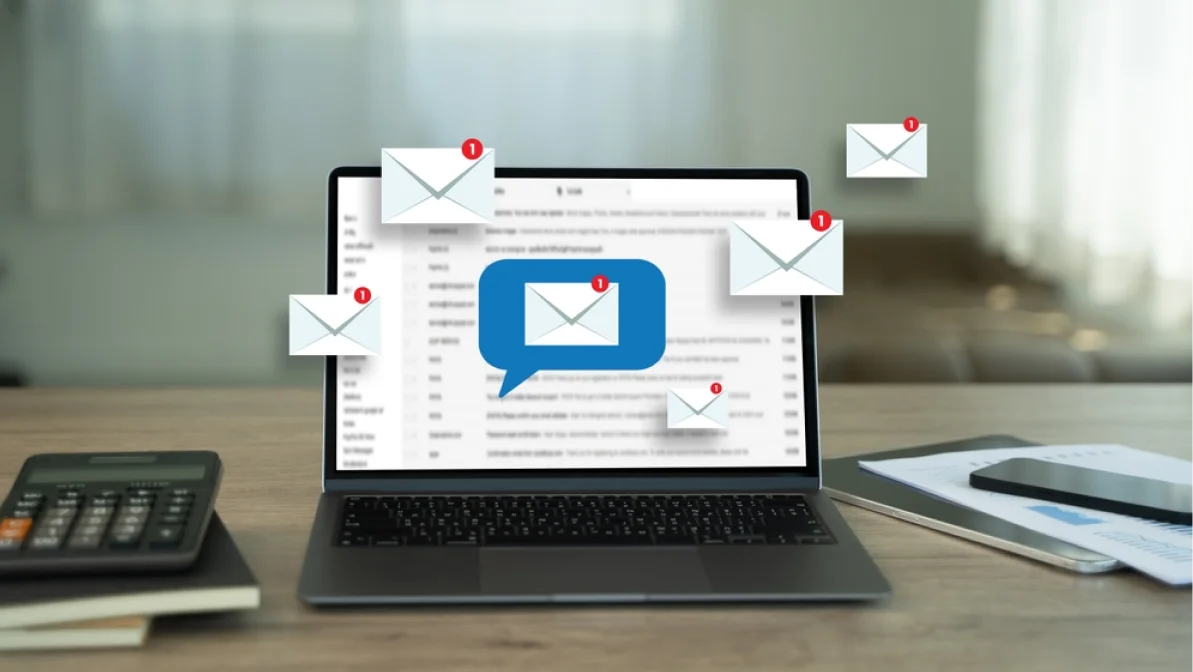
Marketing has the most impact when it feels like a natural part of the conversation, and not a random interruption. People want updates quickly, but they also want them to feel relevant and easy to understand. Nobody enjoys digging through a crowded inbox or waiting half a day for a simple confirmation. They expect communication that arrives at the right moment and says exactly what they need to hear.
That’s why email automation and SMS nurturing are so powerful. They take care of the routine tasks in the background, like order updates, reminders, and quick responses, so your team can put more energy into building meaningful connections with customers.
In this article, we’ll share everything you need to know about email automation and SMS nurturing, and why they’re a smart addition to your marketing campaigns.
What is Email Automation and Why It Matters
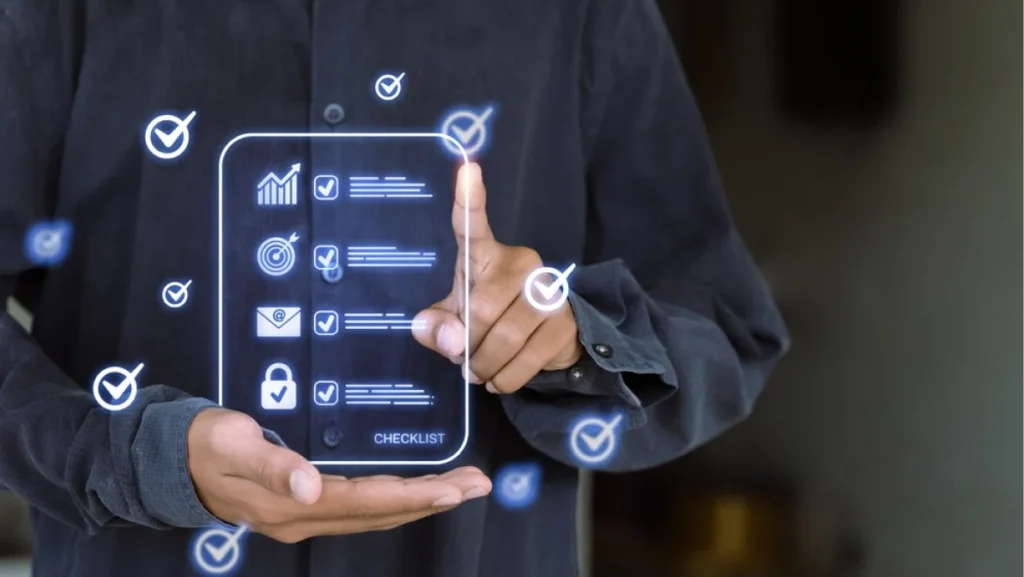
Email automation takes the manual work out of customer communication. Instead of writing and sending every message yourself, you can create an email automation workflow that responds to triggers like sign-ups, purchases, or customer inquiries. This saves time, reduces errors, and ensures your audience hears from you at the right moment.
It matters because customers today expect fast, clear communication. Automating your emails makes sure they get updates exactly when they need them, and it frees up your time to focus on strategy and growth instead of chasing inbox tasks.
Benefits of Combining Email Automation & SMS Nurturing
Email and SMS marketing automation work best when they’re paired. Email offers space for detail (longer explanations, visuals, and links) while SMS gives you the chance to reach people instantly with short, direct updates. Together, they cover both bases: depth and immediacy.
A well-built campaign that combines both channels creates more touchpoints with customers. You can use email to explain a new product, then follow up with a quick SMS reminder when the promotion is about to end. This approach feels natural to customers because it mirrors how they already communicate, like checking their email for details and relying on text for quick alerts. This can result in stronger engagement and, often, higher ROI.
Key Components of an Effective Email Automation Workflow
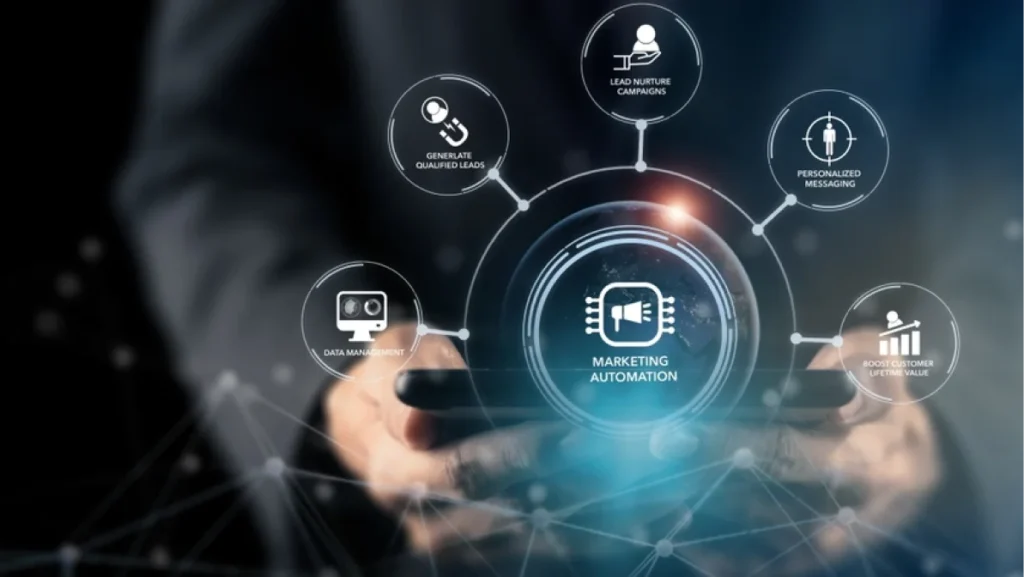
An email automation workflow acts like a roadmap for customer communication. Instead of sending emails randomly, you map out the triggers and actions that make sense for your audience.
Automate Email Notifications for Instant Communication
People like to know what’s happening in real time. Automating email notification systems can keep them updated on things like purchases, shipping updates, or appointment confirmations. It reassures them that everything is on track and saves your team from sending countless manual updates.
Automate Email Responses for Faster Customer Service
When someone fills out a form or reaches out through your website, an immediate reply goes a long way. Automate email responses to acknowledge their message, set expectations, or even point them to helpful resources. Quick responses show attentiveness while buying you time to follow up more thoroughly.
Event-Based Email Automation for Timely Engagement
Event-based email automation allows you to connect with customers at moments that matter. Maybe it’s their birthday, their subscription renewal date, or the anniversary of their first purchase. These emails feel personal and help strengthen loyalty without adding extra work for your team.
SMS Nurturing Strategies That Boost ROI
If email is the long-form storyteller, SMS is the instant connection. A well-timed text can reinforce your email campaigns and keep customers engaged.
Personalized SMS Campaigns
A personalized text, like using a customer’s name or referencing their recent purchase, can feel more like a one-on-one conversation. It turns automation into something human, reminding customers you value them as individuals.
Timely Follow-Ups and Reminders
Sometimes all it takes is a quick nudge. A short SMS reminder about an abandoned cart or an upcoming appointment can make the difference between losing a sale and closing one. The key is timing. Too frequent, and it feels pushy. Sent at the right moment, it feels helpful and appreciated.
Best Practices for Email and SMS Marketing Automation
The strongest campaigns are the ones that feel connected across both channels.
Align Messaging Across Both Channels
Customers notice when your email says one thing and your text says another. Keep your messaging consistent so every touchpoint reinforces the same story.
Keep it Short, Relevant, and Actionable
Emails can go into detail, but even then, clarity matters. SMS should be even more concise. Always give people a reason to act, whether it’s clicking a link, making a purchase, or confirming an appointment.
Test, Measure, and Optimize
What works for one business may not work for another. Testing subject lines, timing, and content helps you see what resonates. Once the data comes in, you can optimize campaigns and continue to improve results.
Tools to Help Automate Gmail Emails and SMS Campaigns
Plenty of platforms make automation accessible. You can integrate marketing software with your CRM to automate Gmail emails, connect SMS campaigns, and build workflows without coding. Popular tools allow you to schedule sequences, manage customer data, and track ROI in one place, so you’re not juggling multiple apps.
Common Mistakes to Avoid in Email and SMS Automation
Automation saves time, but only if it’s used wisely. Sending too many messages, for instance, can overwhelm customers and hurt engagement. Also, forgetting to personalize can make communication feel robotic. And if you skip analytics, you won’t know if your campaigns are actually working. Avoiding these pitfalls ensures your efforts strengthen customer relationships instead of damaging them.
Frequently Asked Questions
Automation often raises the same questions for business owners, so let’s clear up a few.
How do I automate Gmail emails for business?
You can automate Gmail emails through integrations with tools like Zapier, CRMs, or dedicated marketing platforms. These allow you to send automated responses, follow-ups, and notifications tied to customer actions.
What’s the best way to integrate email and SMS marketing automation?
Pair them strategically. Use email for in-depth information and SMS for quick, time-sensitive updates. Coordinating the two creates a seamless customer journey.
How often should I send automated messages?
Frequency depends on your industry and audience. A good rule is to stay consistent without overwhelming. Weekly emails paired with timely SMS reminders often strike the right balance.
What’s the difference between event-based email automation and drip campaigns?
Event-based email automation triggers messages based on specific actions (like a purchase or sign-up). Drip campaigns follow a set schedule regardless of user behavior. Both have value, but event-based emails often feel more personal.
Can automation hurt engagement if overused?
Yes. Too many automated emails or texts can feel spammy and lead to unsubscribes. Focus on quality, personalization, and timing to keep engagement high.
Building Smarter Campaigns with LeadOrigin
Successful marketing comes down to creating systems that work for you, not against you. Email automation and SMS nurturing give you the chance to stay connected with customers, keep experiences consistent, and improve ROI, without getting buried in manual tasks.
Partner with an expert like LeadOrigin to make it happen. We help startups and growing businesses shape smart strategies, then back them up with websites built to perform. Our web design and development team can also create sites that work hard for you supporting automation, tracking, and the kind of growth that lasts.
With offices at 2100 W Loop S #1400, Houston, TX 77027, and 228 Hamilton Ave Suite 325, Palo Alto, CA 94301, we work with businesses across Houston, Dallas, Austin, and Silicon Valley. If you’re ready to create smarter campaigns and a stronger online presence, connect with us today.