How do some stores consistently show up at the top when customers search “near me,” while others barely appear? The answer often comes down to how well they understand how retail stores can use Google Maps as part of their local strategy.
Customers rely heavily on location-based searches when they are ready to visit a store, compare options, or make a purchase. A strong presence on Google Maps, supported by effective Google Maps SEO for retail stores and solid Google business profile optimization, helps your store stand out in local search results and turn online searches into real foot traffic.
Why “Near Me” Searches Matter for Retail Stores
How local intent drives foot traffic
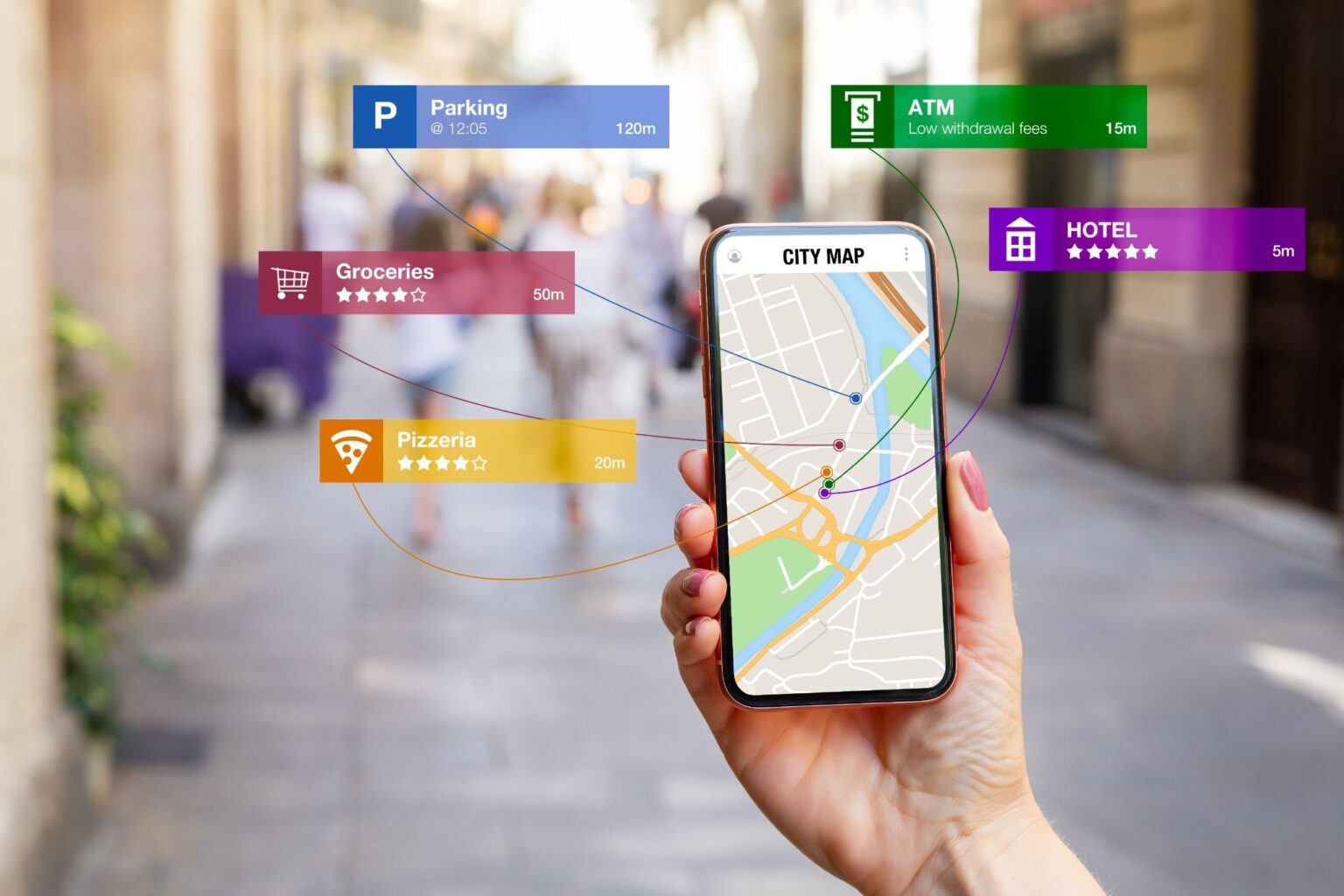
“Near me” searches usually come from people who are ready to take action. These users often visit a store within hours of searching, which makes retail local SEO a powerful driver of in-store traffic.
Why Google Maps results often appear before organic listings
Google prioritizes Maps results for local queries, placing them above traditional listings. This makes Google Maps SEO for retail stores one of the most important strategies for gaining visibility.
The connection between visibility, trust, and in-store visits
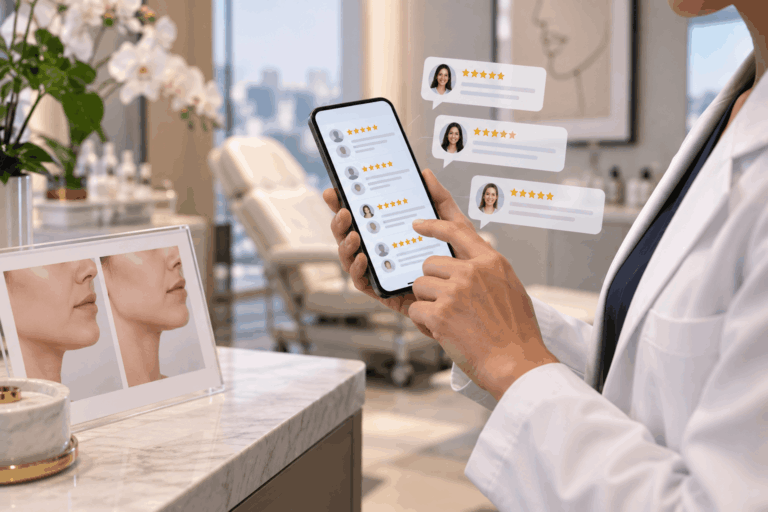
Customers often choose businesses that appear at the top and have strong reviews, updated details, and clear information. Visibility combined with trust directly influences store visits.
How Google Maps Impacts Local Retail SEO
What Google looks at for Maps rankings
Google evaluates multiple signals when ranking businesses on Maps, including how relevant your listing is, how close you are to the searcher, and how well-known your business appears online.
Relevance, distance, and prominence explained
Relevance refers to how well your business matches a search query, distance reflects proximity, and prominence includes factors like reviews, backlinks, and mentions across the web.
Why a complete Google Business Profile improves local visibility
A fully optimized profile strengthens Google business profile optimization, helping Google understand your business better and improving your position in local search results.
Set Up and Fully Optimize Your Google Business Profile
Claim and verify your business listing
Verification gives you control over your listing and is the first step in mastering how retail stores can use Google Maps effectively.
Use the correct business name, address, and phone number
Accurate information supports retail local SEO and builds trust with both search engines and customers.
Choose the most relevant primary and secondary categories
Categories help Google match your store with the right queries, improving visibility in location-based searches.
Add store hours, holiday hours, and special hours
Updated hours help customers plan visits and reduce missed opportunities.
Write a keyword-rich but natural business description
A clear, natural description that includes relevant terms supports Google Maps SEO for retail stores while staying easy to read.
Add Retail Information Customers Actually Search For
Include products, services, and popular in-store offerings
Detailed product information helps your listing appear for specific searches and improves relevance.
Upload high-quality storefront, interior, and product photos
Photos help customers visualize your store and increase the likelihood of visits.
Add attributes like wheelchair accessibility, parking, and payment types
These details improve usability and make your listing more helpful for local shoppers.
Use Google Posts to highlight sales, promotions, and new arrivals
Regular updates keep your listing active and support ongoing Google business profile optimization.
Use Keywords That Match “Near Me” Search Behavior
Target location-based retail keywords naturally
Including city or neighborhood terms strengthens retail local SEO and improves visibility.
Include product and category keywords shoppers use
Combining product keywords with location terms helps capture more relevant searches.
Avoid keyword stuffing in your profile and posts
Natural language keeps your listing readable and aligns with search engine guidelines.
Keep Your Business Information Consistent Across the Web
Why NAP consistency matters for local rankings
Consistent name, address, and phone number details help search engines trust your business information.
Update directory listings and social profiles
Maintaining accurate listings across platforms supports Google Maps SEO for retail stores.
Fix outdated addresses, phone numbers, and duplicate listings
Clean data improves visibility and reduces confusion for customers.
Get More Reviews to Improve Google Maps Visibility
Why reviews influence customer trust and local rankings
Reviews impact both ranking position and customer decisions.
How to ask happy customers for reviews
Simple follow-ups or in-store prompts can encourage more feedback.
Why responding to every review matters
Responses show engagement and help build credibility.
How review keywords can reinforce product relevance
Customer reviews often include product-related terms that strengthen your presence in location-based searches.
Use Local Content to Support Your Google Maps Presence
Create location pages for store areas you serve
Location pages expand your reach and support retail local SEO.
Publish blogs around seasonal shopping and local demand
Content aligned with local trends keeps your business relevant.
Connect your website content to your Google Business Profile
A strong connection between your website and listing improves overall performance.
Add Local Signals to Your Website
Embed your Google Map on contact and location pages
This helps users find your store easily and reinforces your location.
Add location keywords to title tags and headings
These signals improve rankings in local search results.
Use schema markup for local business details
Structured data helps search engines better understand your business.
Make sure your site is mobile-friendly for on-the-go searches
Mobile optimization supports users who search while nearby.
Use Photos, Updates, and Engagement to Stay Active on Google Maps
Why fresh photos help retail stores stand out
Updated visuals keep your listing attractive and relevant.
How regular updates signal business activity
Active listings perform better in Google Maps SEO for retail stores.
Why answering customer questions can improve conversions
Quick answers help customers decide faster and improve engagement.
Track What Helps You Show Up in “Near Me” Searches
Monitor calls, direction requests, and website clicks
These actions show how users interact with your listing and move toward visiting your store.
Use Google Business Profile insights and local SEO tools
Data helps refine your retail local SEO strategy and improve performance.
Identify which keywords and pages drive local actions
Understanding performance allows you to improve your approach to location-based searches.
Common Mistakes Retail Stores Should Avoid
Using the wrong business category
Incorrect categories reduce visibility in local search results.
Leaving profiles incomplete or outdated
Incomplete profiles weaken trust and performance.
Ignoring reviews and customer questions
Lack of engagement affects both ranking and conversions.
Creating inconsistent business details online
Inconsistent data harms Google business profile optimization.
Neglecting mobile experience and page speed
Slow or hard-to-use websites reduce conversions from local searches.
Turn Google Maps Visibility Into More Store Visits
Focus on accuracy, trust, and ongoing optimization
Consistent updates and accurate details improve long-term results.
Combine Maps SEO with website and review strategies
A complete strategy strengthens how retail stores can use Google Maps effectively.
Build a stronger local presence over time
Ongoing effort helps maintain visibility and attract more customers.
Ready to show up in more “near me” searches and bring in more local customers? Our team at LeadOrigin helps businesses improve Google Maps SEO for retail stores, strengthen retail local SEO, and turn local search results into real foot traffic. Connect with us today and start building a stronger local presence.
Frequently Asked Questions
How do retail stores show up higher on Google Maps?
Retail stores improve rankings by focusing on strong Google Maps SEO for retail stores practices. This includes completing their profile, choosing the right categories, keeping business details accurate, and consistently getting customer reviews. Regular updates and engagement also help improve visibility in local search results.
Does Google Business Profile help with “near me” searches?
Yes, strong Google business profile optimization plays a major role in appearing in location-based searches. A complete and active profile helps Google understand your business and match it with nearby search queries.
Are reviews important for local retail SEO?
Reviews are one of the most important factors in retail local SEO. Positive reviews build trust, improve rankings, and influence customer decisions. More high-quality reviews can increase your visibility in local search results.
How often should a retail store update its Google Business Profile?
Regular updates help keep your listing active and relevant. Adding new photos, posting updates, and responding to reviews weekly or consistently over time supports better performance in Google Maps SEO for retail stores and keeps your business competitive.