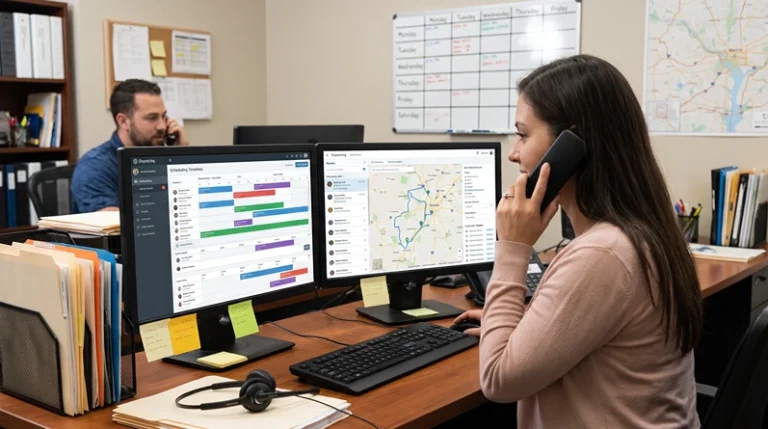

It is 2 a.m., water is spreading across a kitchen floor, and a homeowner is searching on their phone with wet hands. They tap the first few results, glance at each site for a few seconds, and call the company that looks the most credible and the easiest to reach. That decision happens fast, and it is almost entirely driven by what they see on the screen. The right restoration website features make your company the obvious call in that moment.
Restoration customers are stressed, short on time, and about to let strangers into their home, often with insurance money on the line. Your website has to answer one question immediately: can I trust these people? Here are the features that help it answer yes.
Why Trust Has to Be Built in Seconds
Most service businesses get a little time to make their case. Restoration companies usually do not. Emergency searchers compare several companies quickly, and many decide whether to stay on a site within moments of landing. If the phone number is hard to find, the photos look like stock images, or the site loads slowly on mobile, they move on, even if your company ranked first.
Trust in restoration also has layers. Homeowners need to believe you will show up fast, know what you are doing, treat their home with care, and handle the insurance side without surprises. Each feature below speaks to one or more of those concerns.
Emergency-First Features
These elements serve the visitor in crisis. They should be visible without scrolling on a phone screen.
Click-to-Call Everywhere
Your phone number should sit in a sticky header or footer bar on mobile, formatted as a tap-to-call link. Label it clearly, such as “24/7 Emergency Line,” and make sure a real person answers at all hours if you advertise round-the-clock service. A visitor who has to hunt for a phone number during a flood will simply call someone else.
A Clear Response Time Commitment
If your crews can reliably arrive within a certain window in your core service area, say so near the top of the page. Specific commitments build more confidence than vague promises like “fast service.” Only publish what you can consistently deliver, since one missed promise can turn into a damaging review.
“What to Do Right Now” Guidance
A short emergency checklist, such as shutting off the water supply, staying away from wet electrical areas, and photographing damage for insurance, gives panicked homeowners immediate value. It positions your company as a calm expert before the first phone call and keeps visitors on your site while they gather themselves to call.
Fast Mobile Performance
Most emergency searches happen on phones, often with weak signals or during storms. Compress images, minimize heavy scripts, and test load times on mobile networks. A site that loads quickly feels more professional and keeps the visitor’s attention when patience is low.
Credentials and Proof Features
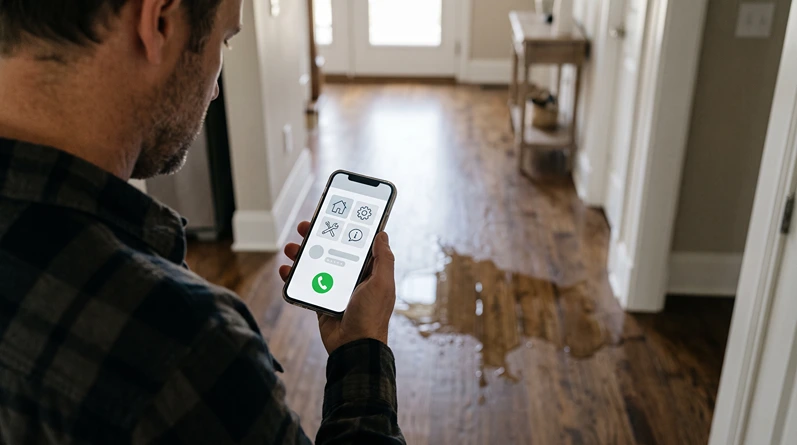
Once the visitor knows how to reach you, they want proof you are qualified.
Certifications Displayed With Specifics
Display IICRC certification and any other relevant credentials, such as mold remediation or fire and smoke training, near the top of key pages. Go beyond logos: state which certifications your technicians hold and link to where customers can verify them. Specific credentials signal genuine expertise.
License, Insurance, and Bonding Details
Homeowners and property managers want to know you are licensed where required and properly insured. Include license numbers where applicable and a clear statement about insurance coverage. This detail is especially important for commercial clients, who often must verify vendor insurance before work begins.
Real Photos of Your Team and Trucks
Stock images of smiling technicians erode trust because homeowners can tell they are fake. Use real photos of your crew, branded vehicles, equipment, and office. Seeing the actual people who will enter their home makes your company feel accountable and local.
Reviews Embedded and Linked
Show recent Google reviews on your homepage and service pages, with links to your profiles so visitors can verify them. Reviews that mention response speed, communication, and insurance help are the most persuasive. A consistent review management process keeps fresh reviews coming in so your site never displays outdated praise.
A Real Company Story
An About page that names the owner, explains how long the company has served the area, and describes its standards gives homeowners a sense of who is accountable. Local ownership, years in business, and community involvement are meaningful trust signals in an industry where some companies are lead resellers or out-of-town storm chasers. Keep the story short, specific, and backed by photos of real people, then link to it from the homepage and service pages.
Project Galleries With Real Details
Before-and-after photos are common on restoration sites, but most lack context. Add short job summaries: the type of damage, how quickly the crew arrived, how many days drying took, and how the job ended. Proof of speed and process is more convincing than a dramatic photo alone.
Process and Insurance Restoration Website Features
Uncertainty about cost and insurance is one of the biggest sources of hesitation. Restoration website features that explain your process clearly reduce that anxiety before the first call.
An Insurance Claims Page
Explain how your company works with insurance carriers, what documentation you provide, and whether you bill insurers directly when that applies. Describe what homeowners should expect from the adjuster visit and how you communicate during the claim. Keep it accurate and avoid promising coverage outcomes, since those depend on each policy.
A Step-by-Step Process Timeline
Lay out what happens from the first call through completion: inspection, water extraction or cleanup, drying and monitoring, mold prevention, and rebuild if you offer it. A visual timeline helps homeowners understand what is happening in their home and why drying equipment may stay for several days.
Honest Estimate Information
Explain how estimates are created and how pricing is documented. Many restoration companies use the same estimating software that insurers commonly rely on, and saying so where it applies helps homeowners feel the process is standardized rather than arbitrary.
Local Relevance Features
Restoration is a local service. Visitors want to know you actually serve their area and can reach them quickly.
Service Area Pages With Real Local Content
Create pages for the cities and neighborhoods you serve, but make each one genuinely useful. Mention local weather risks, common housing types, response details for that area, and relevant local projects. Thin pages with swapped city names do little for visitors or search engines. A strong local SEO strategy connects these pages with your Google Business Profile and citations.
Consistent Business Information
Your company name, address, and phone number should match exactly across your website, Google Business Profile, and directories. Inconsistencies can confuse customers and weaken local search visibility.
Conversion Features Beyond the Phone Call
Not every visitor wants to call immediately, especially for non-emergency work like mold inspections or rebuild estimates.
Short Forms With Photo Upload
Keep forms short: name, phone, address, and a brief description. Allow photo uploads so homeowners can show the damage, which helps your team prepare and prioritize. Long forms slow down stressed visitors and reduce submissions.
Live Chat and After-Hours Help
Some homeowners prefer typing over talking, especially late at night. An AI chatbot can answer common questions, collect job details, and route urgent cases to your on-call team immediately.
Financing for Uninsured Work
Not every job is covered. Deductibles, excluded damage, and upgrades during rebuild can leave homeowners with costs they did not plan for. If you offer financing or payment plans, explain them clearly on service pages and the insurance page. Knowing there is a path forward when insurance falls short removes a major reason homeowners delay calling.
A Section for Commercial Clients
Property managers, facility directors, and HOAs need different information than homeowners: priority response agreements, multi-site capabilities, documentation standards, and vendor compliance details. A dedicated commercial section opens a steady source of larger, repeat work. Include a simple way for managers to request a pre-loss planning visit, which builds the relationship before an emergency ever happens.
Mistakes That Undermine Trust
Even good restoration companies lose calls to avoidable website problems. Common culprits include stock photography, generic copy that could describe any company, outdated reviews, intrusive popups on mobile, broken links, and phone numbers buried in the footer. Missing security certificates or slow pages also signal neglect. Auditing your site against the restoration website features in this guide once or twice a year keeps these issues from quietly costing you jobs. Professional website design built for emergency services avoids most of them from the start.
Restoration Website Features Questions Answered
What should a water damage restoration website include?
At minimum, a tap-to-call 24/7 phone number, a clear response time commitment you can meet, IICRC and other credentials, real team photos, recent reviews, an insurance claims page, a process timeline, and service area pages. Fast mobile performance ties it together, since most emergency visitors arrive on phones.
How do I make my restoration website look more trustworthy?
Replace stock images with real photos of your crew and trucks, display specific certifications, embed verifiable reviews, and explain your insurance process clearly. Remove anything that feels generic or outdated. Visitors trust specifics, such as real response times and project details, far more than broad claims.
Should restoration companies list prices on their websites?
Exact prices are rarely possible because every job differs and insurance is often involved. Instead, explain how estimates are created, what factors affect cost, and how billing works with insurers. This transparency reduces anxiety without committing to numbers that may not apply to a specific job.
Do restoration websites need separate pages for each service area?
Service area pages help when each one contains genuinely local, useful information. Pages that only swap the city name add little value. Focus on the areas you serve most often, and include local details such as common damage risks, response information, and nearby projects.
How often should a restoration company update its website?
Add fresh reviews and project examples continually, and review the full site at least once or twice a year. Check that phone numbers, certifications, response times, and service areas are accurate. Keeping restoration website features current matters because outdated information can cost trust at exactly the wrong moment.
Turning Emergency Searches Into Booked Jobs

In restoration, your website often makes the first impression on a homeowner’s worst day. Make reaching you effortless, prove your expertise with specifics, explain the insurance process plainly, and show that you are truly local. LeadOrigin builds conversion-focused websites and marketing systems for service businesses that need to win urgent calls. Talk to our team about building a restoration site that earns trust fast.