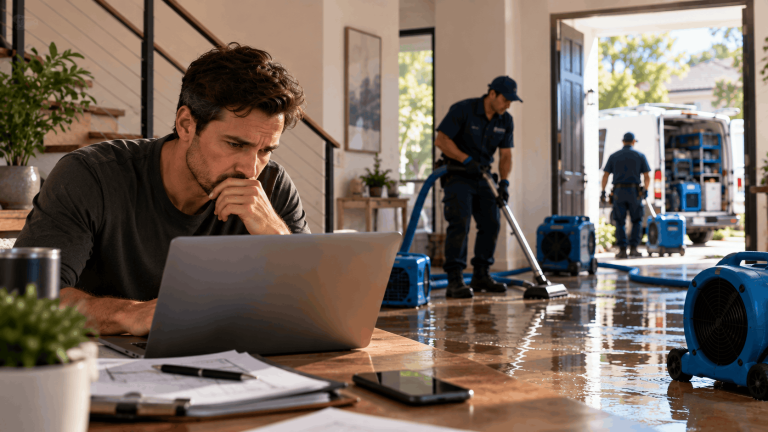
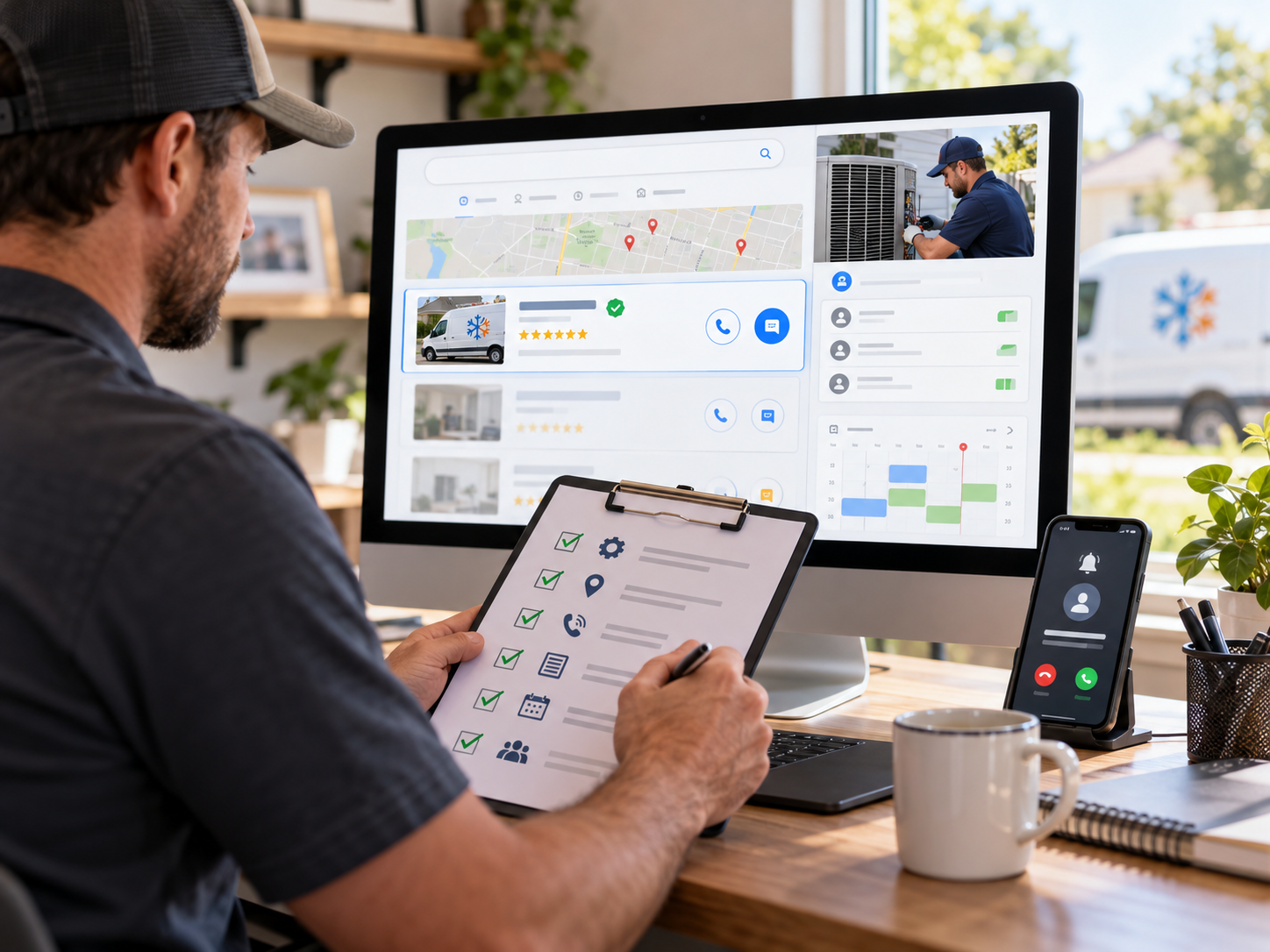
Google Local Services Ads put HVAC companies at the top of search results with a verification badge homeowners trust, and you pay per lead instead of per click. Yet many contractors set them up once, see uneven results, and give up. This Local Services Ads checklist covers every step, from verification to lead handling, so your ads keep ranking, and your leads keep turning into jobs.
Why Local Services Ads Matter for HVAC Companies
Local Services Ads, often called Local Service Ads or LSAs, appear above standard search ads for many home service searches, including heating and air conditioning. HVAC businesses that pass Google’s screening earn the Google Guaranteed badge, a visible signal that Google has checked the company.
The pricing model is different from standard Google Ads. You are charged for leads, such as calls and messages, rather than for clicks. That can make LSAs one of the most cost-effective channels for HVAC companies, but only if your profile is complete, your reviews are strong, and your team responds quickly. Google considers those factors when deciding which businesses to show and in what order.
LSAs are not available in every area or for every service, so start by confirming that your market and service categories are eligible.

Before You Apply: Eligibility and Verification Checklist
Confirm Your Business Details
Make sure your legal business name, address, phone number, and website are accurate and match what appears on your Google Business Profile and state records. Mismatched details commonly cause verification delays.
Gather License Documents
Have your state and local HVAC licenses ready, along with license numbers and expiration dates. Google verifies licensing where your state or city requires it, and an expired or missing license will stop the process.
Prepare Proof of Insurance
Have your general liability insurance documentation ready. Coverage needs to be active and in the business name you are using for the ads.
Plan for Background Checks
Background checks are typically required for the business owner and for technicians who perform services in customers’ homes. Build the time for this into your plans, and have employee information ready. Any new technicians who will serve LSA customers may also need to be checked as you grow.
Verify Your Service Area Coverage
Check that LSAs are available for heating and air conditioning in the cities and zip codes you serve. Availability varies by market.
Profile Setup Checklist
Choose Your Job Types Carefully
Select only the job types your company actually performs, such as AC repair, AC installation, furnace repair, heat pump service, and duct work. Leaving on services you do not want to sell leads to calls you will pay for but cannot use.
Set Precise Service Areas
Choose service areas by city or zip code based on where your technicians can reach customers quickly and where you want the most work. Covering too wide an area often increases leads from locations that are expensive to serve.
Match Business Hours to Real Availability
Set hours that reflect when someone will actually answer the phone. LSAs can show when you are open, and a missed call during listed hours hurts both the customer relationship and your responsiveness.
Complete the Business Bio and Photos
Write a clear, specific description that covers your services, service area, years in business, and what makes your company different. Upload real photos of your team, trucks, and completed work. Complete profiles build more trust than bare ones.
Link Your Google Business Profile
Connect your LSA account to your Google Business Profile so your reviews and business information stay consistent across Google. A strong Business Profile also supports your map pack rankings, which work alongside LSAs rather than replacing them.
Reviews Checklist
Reviews are one of the most important factors in how LSAs rank and how often homeowners choose you. Businesses with more reviews and higher ratings tend to get more visibility and more calls.
Ask every satisfied customer for a review, ideally right after the job is complete when the experience is fresh. Use the review request tools available in your account alongside your normal review process. Respond professionally to every review, including critical ones, since future customers read the responses.
Make reviewing part of your team’s routine, not an occasional push. A steady flow of new reviews is more valuable than a burst followed by months of silence. A structured review management system keeps requests consistent across every technician and every job.
Budget and Bidding Checklist
Set a weekly budget based on how many leads you can handle and how much each lead is worth to your business. If you are new to LSAs, start with a budget that gives you enough leads to learn from, then adjust.
You can let Google manage bids to maximize leads within your budget, or set a maximum amount per lead. Automated bidding is simpler to manage. Manual limits give more control when certain lead types are worth more or less to you. Review your cost per lead and cost per booked job monthly, and adjust your approach based on results.
Plan for seasonality. AC repair demand peaks in summer and heating demand peaks in winter, so budgets that work in spring may run out quickly during a heat wave. Raise budgets ahead of peak season if you have the capacity to take more jobs.
Lead Handling Checklist
Answer Every Call Live
Responsiveness affects both your results and your ranking. Missed calls cost you the job and can reduce how often your ads appear. Staff the phones during every hour your profile shows you as open.
Respond to Messages Quickly
Some leads arrive as messages instead of calls. Set up notifications so messages are answered within minutes, not hours.
Update Lead Status
Mark leads as booked, completed, or archived in your account. Keeping lead status current gives you cleaner reporting and helps you track how many leads actually became jobs.
Track Outcomes Outside the Platform
Record each LSA lead in your field service software with its source, so you can compare cost per booked job and revenue against your other channels. Without that record, it is hard to know whether LSAs are truly profitable for your business.
Disputes and Lead Quality Checklist
Not every lead you are charged for will be valid. Wrong numbers, spam, job seekers, and requests for services you do not offer can all appear. Review your leads regularly, and use the platform’s credit or dispute process for charges that don’t meet Google’s criteria, within the allowed time.
Call recordings make disputes easier to support, so keep recording enabled where the law allows. Look for patterns too. If many invalid leads come from a particular job type or area, adjust your settings rather than disputing the same problems every week.
Monthly Local Services Ads Checklist
Use this Local Services Ads checklist each month to keep results on track. Review total leads, booked jobs, cost per lead, and cost per booked job. Check your answer rate and response times. Confirm that job types, service areas, and hours still match your business. Look at review volume and rating trends. Update photos and your business bio as your team and services change.
Small, regular updates usually beat big occasional overhauls, because LSA performance depends heavily on ongoing responsiveness and reviews.
Common LSA Mistakes HVAC Companies Make
The most common problem is treating LSAs as set-and-forget. A profile that was accurate at launch drifts over time as technicians change, service areas expand, and business hours shift. Outdated settings lead to leads you cannot serve and missed calls during hours you listed as open.
Another common mistake is selecting every available job type. It feels like more opportunity, but it usually means paying for calls about services you do not want, such as small jobs outside your sweet spot or work you subcontract. Choose job types based on profitability, not just availability.
Many companies also ignore lead status and disputes. Without updating status and reviewing charges, you can’t see true cost per booked job, and invalid leads quietly raise your costs. Working through a Local Services Ads checklist every month prevents most of these problems before they become expensive.
Finally, some companies let review requests slide during busy season, exactly when they complete the most jobs. Build the review ask into the job completion process so it happens automatically, even in July.

How LSAs Fit With Google Ads and Local SEO
LSAs work best as one part of a wider plan. Standard search ads let you target specific keywords, control ad copy, and send traffic to landing pages built for each service, which LSAs cannot do. Many HVAC companies run both, since they appear in different places on the same search results page. A well-managed paid search program coordinates the two so they complement each other instead of competing for the same budget.
Organic visibility matters too. A strong Google Business Profile and local SEO foundation bring in calls without a per-lead charge, and the reviews you collect support LSAs and map rankings at the same time.
Your website still matters as well, since many homeowners check it before calling. A fast, trustworthy website design helps turn that research into booked jobs.
Following a Local Services Ads checklist is not a one-time task. The HVAC companies that get the most from LSAs treat them as an ongoing channel, with regular reviews of leads, responsiveness, and settings.
Local Services Ads Checklist FAQs
What do HVAC companies need to qualify for Local Services Ads?
Typically, a valid business registration, required state or local HVAC licenses, active general liability insurance, and background checks for the owner and field technicians. Requirements can vary by location, so check Google’s current rules for your market.
How much do Local Services Ads cost for HVAC businesses?
You pay per lead, not per click. Lead prices vary by market, job type, and competition, so set a weekly budget based on how many leads you can handle and what each booked job is worth.
How can an HVAC company rank higher in Local Services Ads?
Strong reviews, fast responses to calls and messages, accurate business hours, and a complete profile all help. Proximity to the customer also plays a role, so accurate service areas matter.
Can you dispute bad leads in Local Services Ads?
Yes. Leads that do not meet Google’s criteria, such as spam or wrong numbers, can be submitted for credit through the platform’s process within the allowed time. Call recordings make disputes easier to support.
Should HVAC companies run Local Services Ads and Google Ads together?
Usually, yes. They appear in different places on the results page and offer different controls. Running both, with coordinated budgets and tracking, often produces more booked jobs than either alone.
Keeping Your LSA Profile Working All Year
Local Services Ads reward HVAC companies that stay verified, collect reviews, answer quickly, and keep their settings accurate. Work through this checklist at setup and again every month, and the channel becomes a steady source of booked jobs. LeadOrigin is a full-service growth partner serving HVAC businesses across Texas and nationwide. Contact our team to set up and manage Local Services Ads that keep your schedule full.