Your website’s homepage is often the first thing visitors see—and first impressions matter. Applying homepage design best practices ensures your site looks professional, loads quickly, and guides users exactly where you want them to go.
From clean layouts and compelling visuals to clear calls-to-action, every element should work together to engage your audience and drive conversions.
In this guide, you’ll learn all the homepage design best practices you need to create a stunning, high-performing website.
Why Your Homepage Matters
Your homepage is the digital front door to your business, setting the tone for your entire website. A well-crafted homepage can attract, engage, and convert visitors by showcasing your brand’s personality and guiding users seamlessly to what they need.
By following effective homepage design principles, you ensure visitors get a smooth, positive experience that builds trust and drives results. Focusing on the right homepage layout tips can make all the difference in whether users stay or bounce.
Best Practices for an Effective Homepage Design
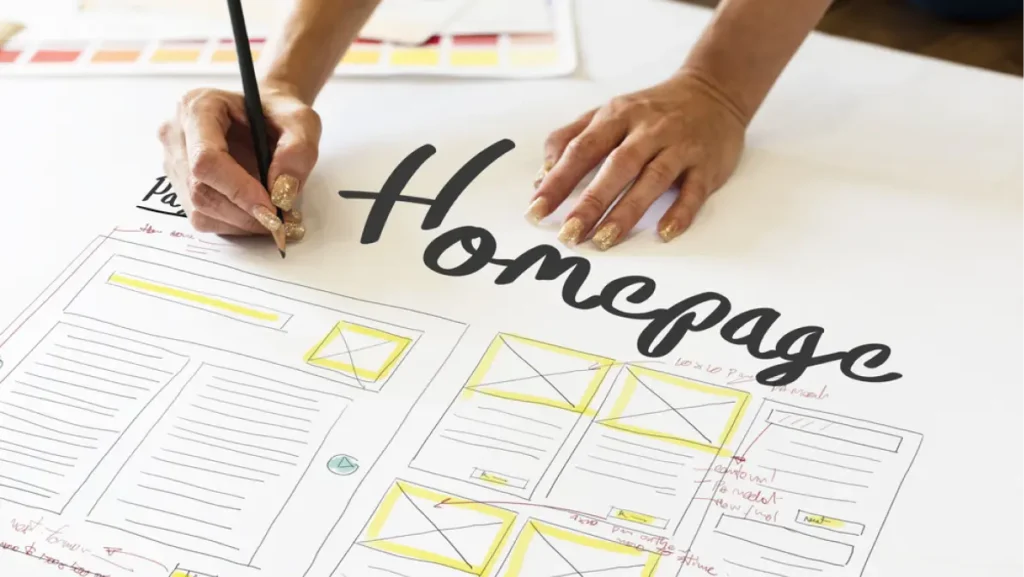
An effective homepage design combines aesthetics, usability, and strategy to capture attention and boost conversions. Use these best homepage elements to inspire trust and action while delivering an excellent website homepage UX.
1. Clear Value Proposition Above the Fold
Communicate exactly what your brand does and why it matters within the first few seconds. Place your main message and benefits prominently so users don’t have to scroll to understand your value.
2. Strong, Visually Clear Call-to-Actions (CTAs)
Guide visitors toward desired actions with bold, easy-to-spot CTAs. Use compelling wording and strategic placement to drive clicks and increase homepage design for conversions.
3. Easy and Intuitive Navigation
Ensure your navigation menu is simple, logically organized, and accessible on all devices. This keeps visitors from feeling lost and helps them find important pages quickly, improving website homepage UX.
4. Mobile-Responsive Design
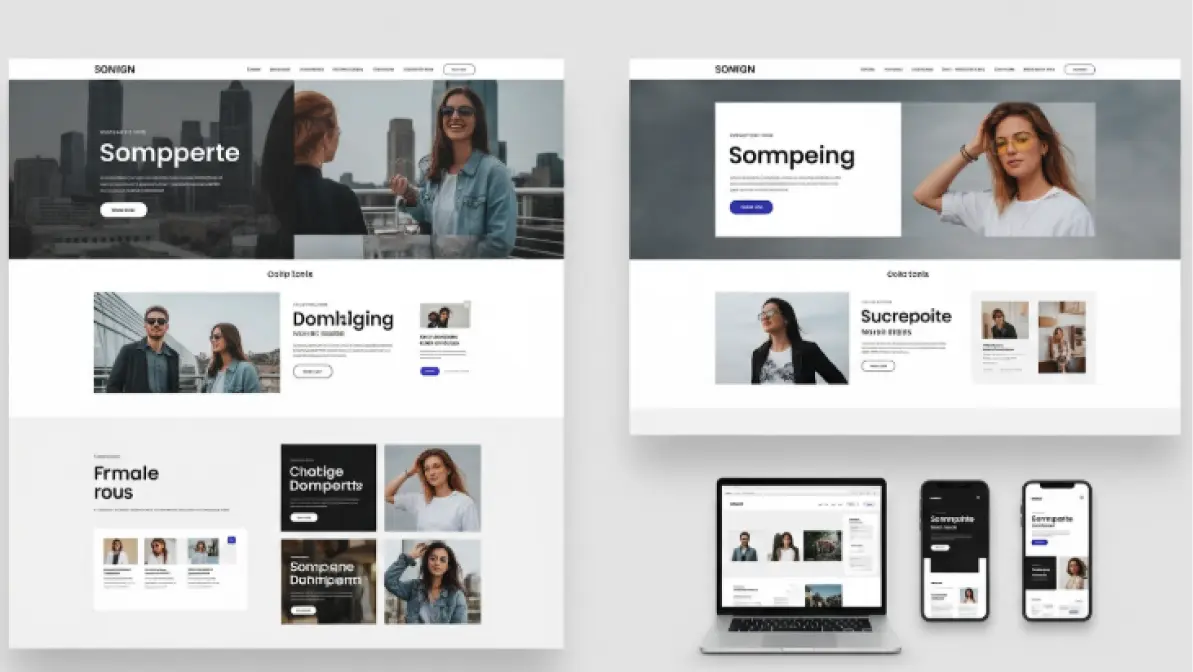
A responsive homepage automatically adjusts to different screen sizes, delivering a seamless experience on smartphones and tablets. This not only satisfies users but also supports SEO and modern website homepage examples.
5. Social Proof and Trust Signals
Add customer testimonials, reviews, client logos, or trust badges to show credibility. Visible trust signals reassure new visitors and can significantly boost confidence and conversions.
6. Engaging Visuals and Brand-Consistent Design
Use high-quality images, videos, and colors that match your brand identity. A cohesive, attractive design helps tell your story and keeps visitors interested longer.
7. Feature Key Products, Services, or Content
Highlight your most important offerings front and center to capture attention immediately. This homepage layout tip ensures users see what’s relevant and encourages them to explore deeper.
8. Include SEO Essentials
Optimize your homepage with relevant keywords, fast loading speed, and meta tags. Good SEO practices improve your homepage’s visibility and help drive organic traffic to your site.
Following these proven tips will help you improve website homepage performance and serve as a reference when looking for modern website homepage examples for inspiration.
Common Homepage Mistakes to Avoid
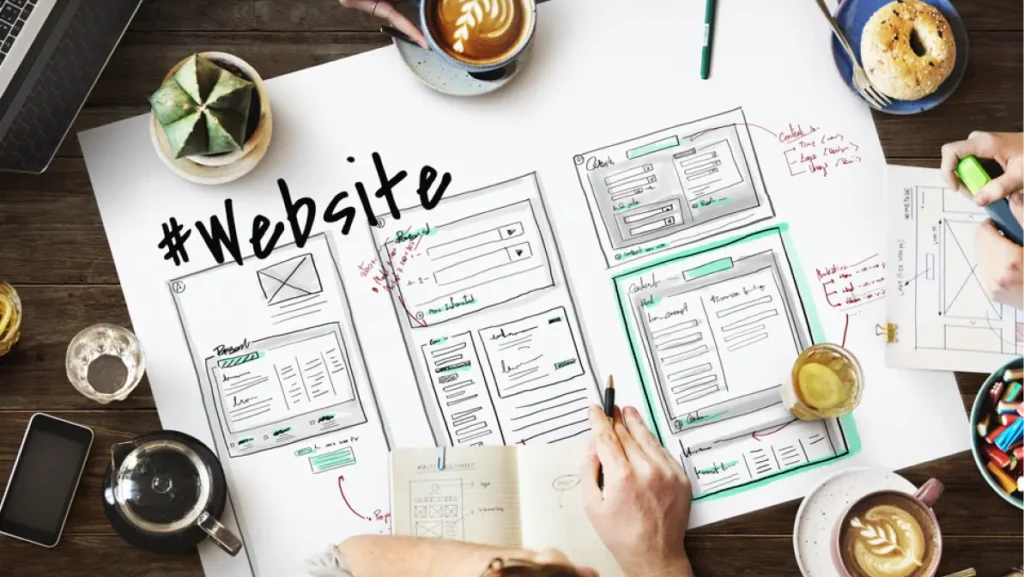
Even with the best homepage elements in place, some common missteps can hurt your site’s effectiveness and user experience. Knowing what to avoid is just as important as knowing what to include. Keep an eye out for these pitfalls so you can improve website homepage performance and maximize conversions.
Cluttered Layout
Overloading your homepage with too much text, images, or pop-ups overwhelms visitors. A clean, focused design helps users absorb key information quickly.
Weak or Hidden CTAs
If your calls-to-action are hard to find or not compelling, visitors may leave without taking the next step. Make sure CTAs stand out visually and use persuasive language.
Slow Loading Speed
A homepage that takes too long to load frustrates users and increases bounce rates. Optimize images and code to ensure your site loads within a few seconds.
Poor Mobile Experience
Ignoring mobile responsiveness can alienate a large portion of your audience. Test your homepage layout on various devices to ensure smooth navigation and readability.
Confusing Navigation
Complex or unclear menus make it hard for users to find what they’re looking for. Keep your navigation simple and intuitive to enhance website homepage UX.
Outdated Design
An old-fashioned look can make visitors question your credibility. Stay updated with modern website homepage examples and refresh your design regularly.
Lack of Social Proof
Omitting reviews or trust signals can reduce credibility and conversions. Showcase testimonials, awards, or partner logos to build trust instantly.
Ignoring SEO Basics
A homepage without proper SEO won’t rank well in search engines. Use relevant keywords, meta descriptions, and headings to attract organic traffic.
Build a Homepage That Converts

Your homepage sets the tone for your entire online presence, so getting it right is key to attracting and converting visitors. Following these homepage design best practices and avoiding common mistakes can help you craft an engaging, effective homepage that works hard for your business.
If you’re ready to elevate your site, LeadOrigin is the best digital marketing agency for web development and can bring your vision to life. Contact us today or visit our offices at 2100 W Loop S #1400, Houston, TX 77027 and 228 Hamilton Ave Suite 325, Palo Alto, CA 94301.